
Scanning without signal
Venue basements eat signal. With offline scanning, Scanner keeps deciding locally when the connection dies — the queue keeps moving, and the record keeps being true.
How it works
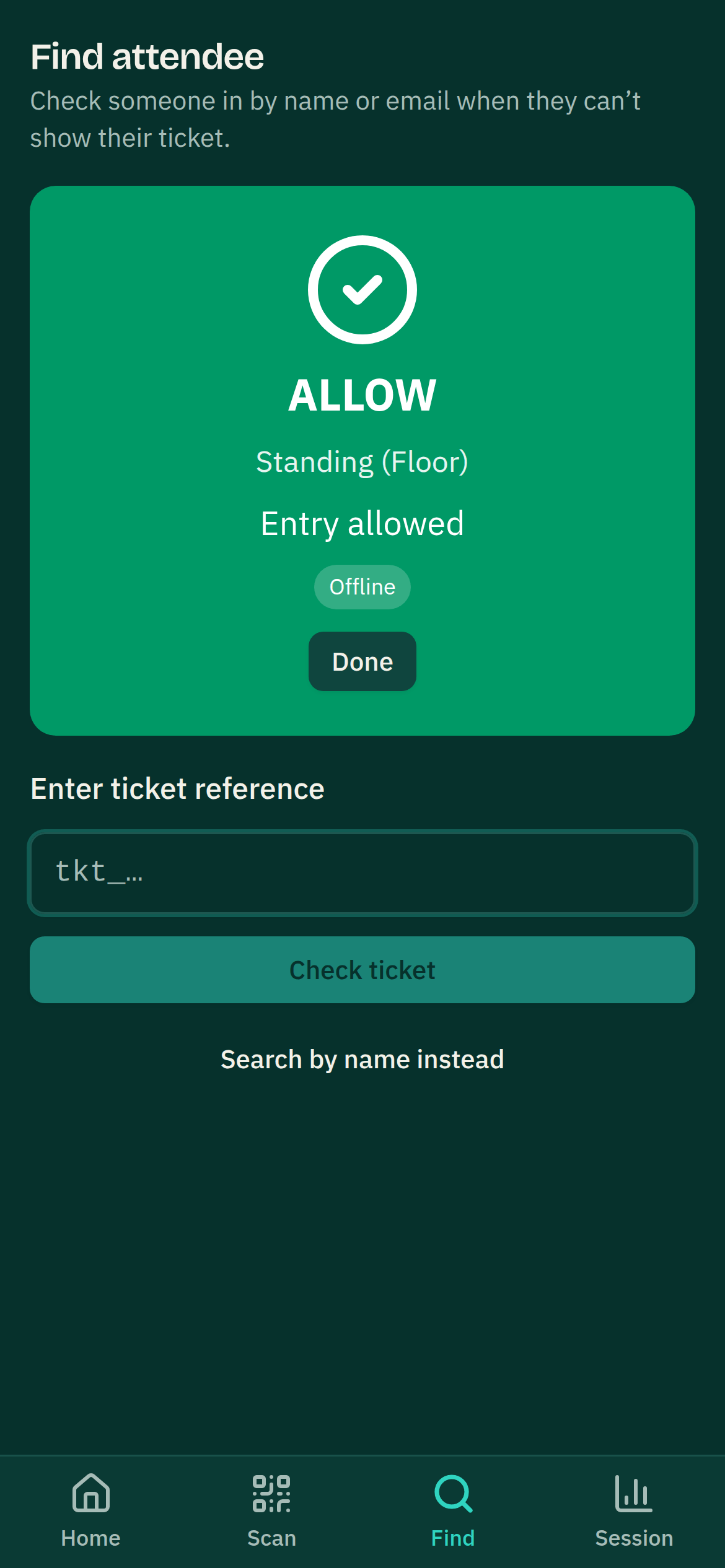
A paired device downloads a compact pack for its event: keys to verify ticket QRs, the ticket types, the admission windows, and a status ledger — refreshed about every half-minute while the device has signal, so the picture it falls back on is never older than its last connected moment. When signal drops, the device verifies each QR cryptographically and applies the same rules the server would — wrong lane, outside the date’s admission window or the ticket type’s own scanning window, already scanned on this device (where that type is set to scan once), cancelled date — showing the same green/red verdicts.
No attendee data on the device
The pack contains no names, no emails, no attendee list — the ticket QR itself carries what the verdict needs, and the ledger holds only ticket references and statuses. A phone lost in the mosh pit holds nothing personal about your attendees.
Syncing back up
- Offline scans queue on the device and sync in batches the moment signal returns; the console’s attendance numbers catch up then.
- An offline-allowed scan is never retroactively denied. The person was admitted; that’s a fact. If the server disagrees — a ticket refunded while the device was dark — the scan lands on a review list with the reason, for a human to look at.
- A genuine ticket sold at the door moments earlier (not yet in the device’s ledger) is admitted and flagged for reconciliation rather than turned away.
What still needs signal
- Searching for an attendee by name or email — the attendee list never sits on the device, so there is nothing offline to search. The search box greys out with a line saying so rather than vanishing.
- Pairing a new device, and re-activating a revoked one.
- Selling — Box Office takes payments online-only; its scanning half keeps the offline behaviour.
One honest caveat: two devices offline at the same gate can’t see each other’s scans, so a duplicate ticket could pass once at each until they sync — the review list surfaces exactly this when it happens.