
Approvals & waitlists
Two ways to manage demand: approvals put you between the request and the sale; waitlists queue sold-out demand and hand spots out fairly when they free up.
Where to find it: open your event, then Registration → Approvals or Registration → Waitlist in the sidebar.
Approval-gated tickets
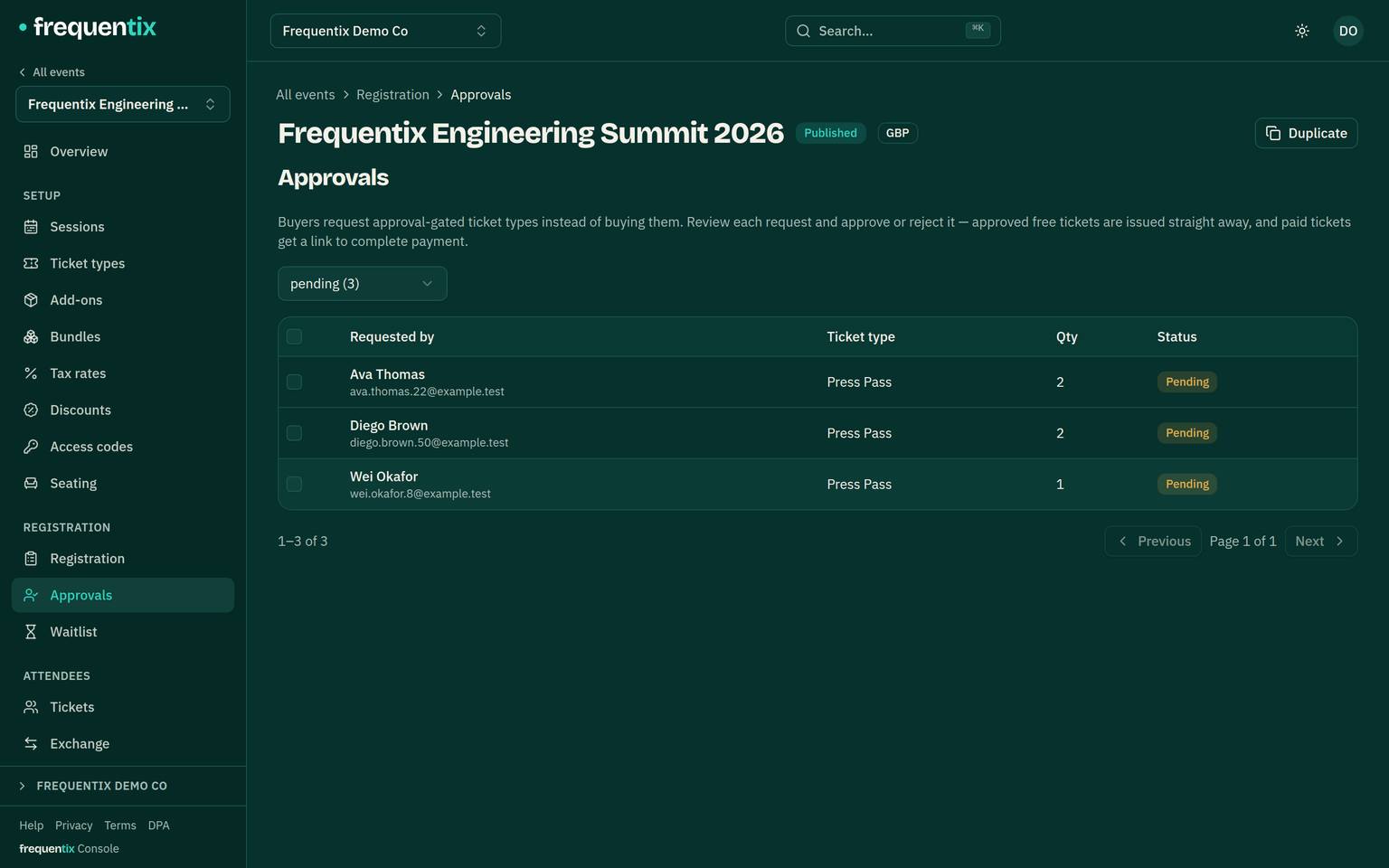
Mark a ticket type as requiring approval and it stops selling directly — buyers request instead, and the event’s Approvals queue collects them for review.
- Approving a paid request emails the buyer a payment link and holds their place for 24 hours while they pay. Unclaimed, the hold lapses and the stock frees itself.
- Approving a free request issues the tickets immediately.
- Declining emails the buyer; nothing is charged either way.
Waitlists
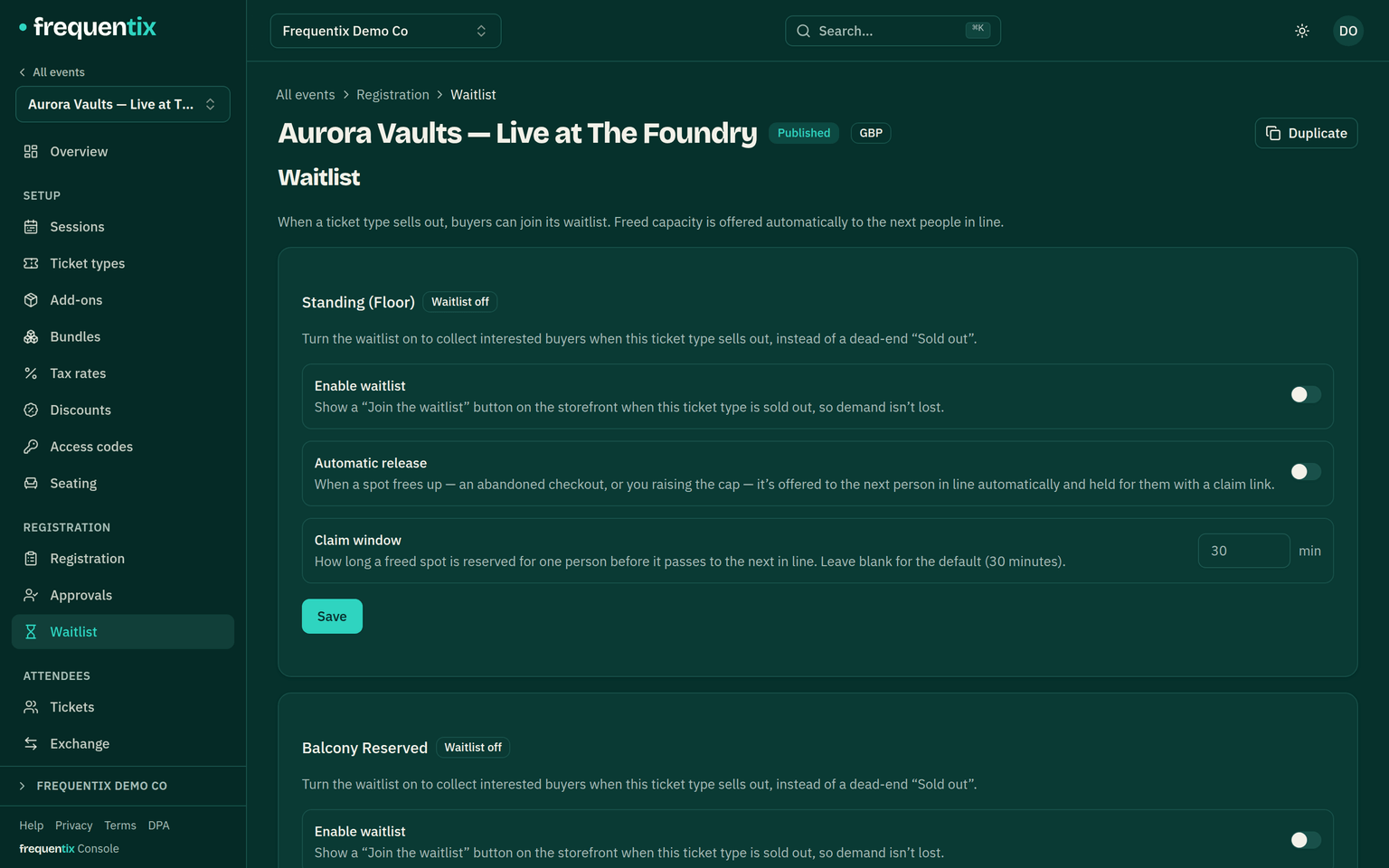
When a ticket type (or a whole date) sells out, a waitlist lets buyers leave their name instead of leaving. When stock frees up — a refund with release, a lapsed hold, capacity you add — the next person in line gets an emailed offer:
- Joining takes an email, an optional name, and how many places are wanted; joining twice with the same email doesn’t queue twice.
- An offer reserves the spot for a 30-minute claim window (adjustable per waitlist). Claimed, it converts into a normal order; unclaimed, it passes to the next person. The offer email names the exact date that freed up, and on a seated type the claim opens the real seat picker for exactly the reserved count.
- On a multi-date run, waitlists are per date — someone can queue for Friday and Saturday.
- The console shows the queue, offers in flight, and lets you release spots manually.
Automatic offers
With automatic offers on, freed stock fires the waitlist by itself — refund a seat at midnight and the offer email is already on its way. Without it, you release spots manually from the console.
The queue also carries face-value resale: when a buyer lists a ticket through Exchange, the listing is offered to the same waitlist, first come first served, exactly like freed stock — except the offer is one specific resold ticket (with its exact seat, where there is one) at the price the seller originally paid. Listing-backed offers ride the same claim window and the same automatic-offers switch.