
Entry points & scan lanes
Entry points model your doors: Main Entrance, VIP Door, Backstage. Each scanning device works a lane, and the lane decides which tickets it admits.
Where to find it: open your event, then On-site → Entry points in the sidebar.
What an entry point is
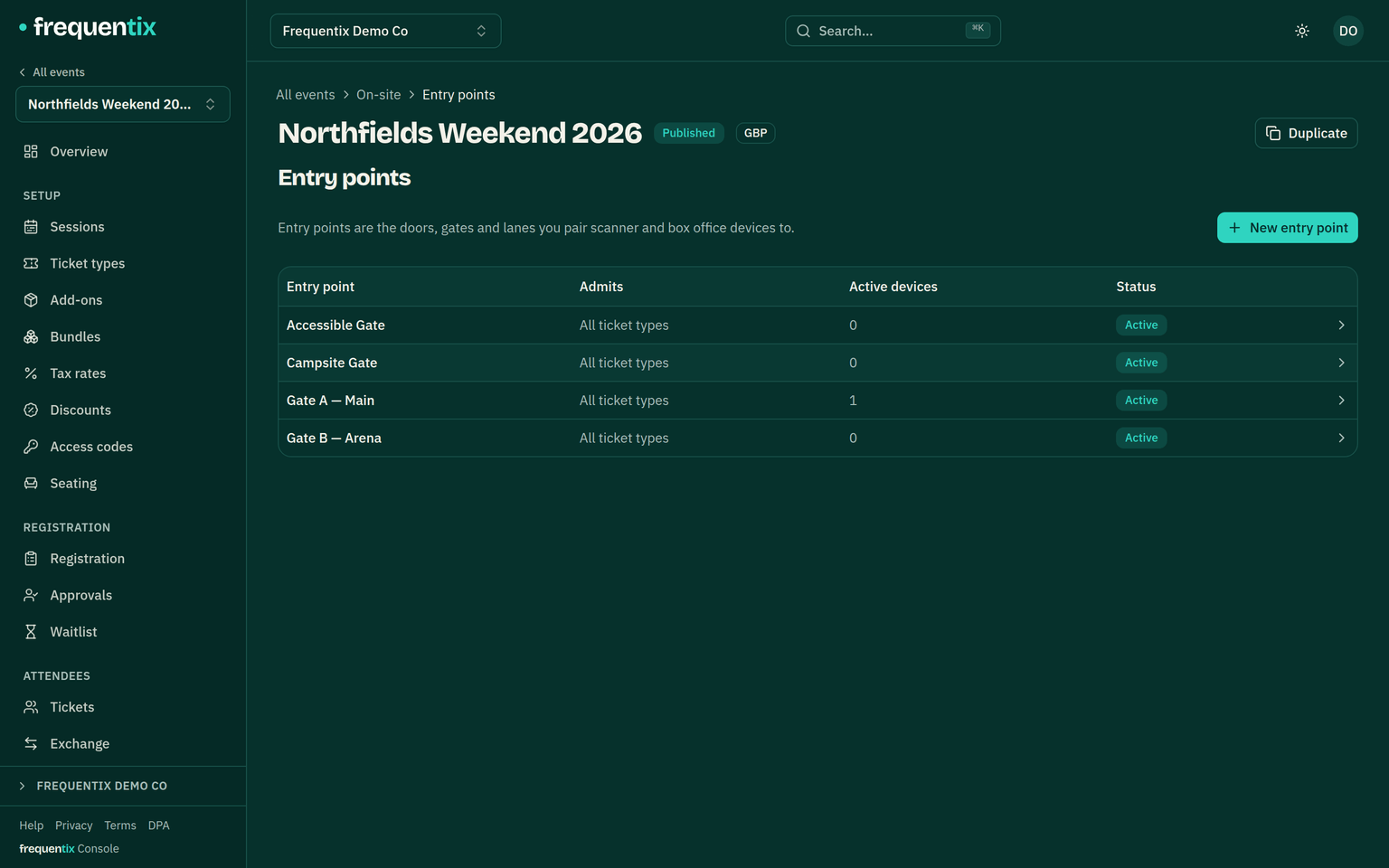
An entry point belongs to one event (On-site → Entry points) and represents a physical gate. Pairing a Scanner device happens at an entry point — the device scans for that gate, and every scan records which gate admitted whom.
Ticket allowlists
Each entry point can allow all ticket types or a selected list. A VIP Door that allows only VIP tickets hard-denies a general ticket — full-screen red, with “wrong entry point” as the reason — online and offline alike. That’s the whole VIP-queue problem solved in configuration.
How lanes pin devices
- A Scanner device is paired to one entry point, which pins it to one event — there is no event picker on the door, so a volunteer can’t scan the wrong show.
- Only Box Office devices choose between events, and even they work one at a time — picking their entry point per event as they go. An event with a single entry point is chosen automatically; with several, the seller picks one and can change door mid-shift from the app’s home screen.
- Every paired device shows a short tag (like “AB12”) on screen, matching its row in the console — so you revoke the right phone.
- A pairing renews itself with use: a device scanning regularly never expires, and one that goes unused lapses on its own within about six months — no stale credentials in a drawer.
- Each entry point’s scan history is browsable in the console and exports as CSV (a two-step-verified action), each scan attributed to the device that made it.