
Add-ons & extras
Add-ons sell the rest of the event: parking, programmes, workshop seats, t-shirts, drinks packages. They ride along in the same basket as tickets — on every plan.
Where to find it: open your event, then Setup → Add-ons in the sidebar.
Selling add-ons
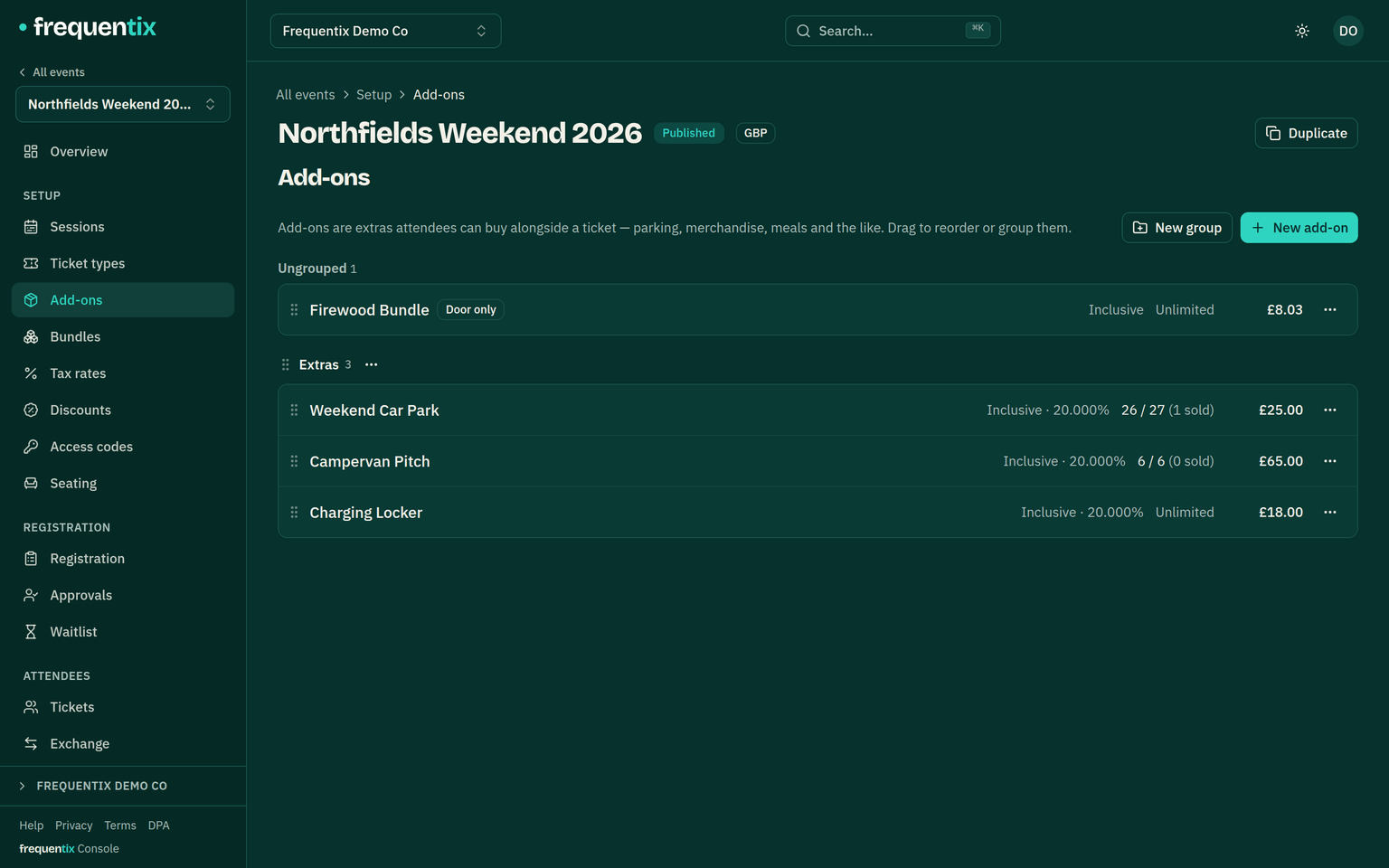
- An add-on has a price, stock and a per-order maximum, just like a ticket type.
- Add-ons are event-wide — on a multi-date run they aren’t tied to a particular date.
- Buyers add them during checkout; staff can sell them at the door through Box Office.
Redeeming at the event
Mark an add-on redeemable and each purchased line gets its own QR code, separate from the ticket. At the event, staff scan it (or look it up) and redeem units — two of four drinks now, two later. The count lives on the server, so it can never be over-spent across devices, and a redemption report shows what’s been claimed. Add-ons are redeemable by default; switch individual ones off if they’re purely informational.
Wallet passes
Redeemable add-ons get Apple and Google wallet passes too, titled with the add-on’s own name — “VIP Parking”, not the event — so the right pass surfaces at the right barrier. When every unit is redeemed, the pass greys out on its own.
Images & grouping
An add-on can carry a small square image, shown beside it wherever a buyer meets it. A photo of the tote bag sells more tote bags than the words “tote bag”, and it survives duplicating the event along with everything else about the add-on.
Add-ons can also be sorted into named display groups — “Parking”, “Merch”, “Food & drink” — and dragged into the order you want. Groups on the add-on side are built separately from the ticket-type side, so naming a group “Weekend” for tickets doesn’t create one for add-ons; anything you leave ungrouped shows first.
Door-only add-ons
An add-on can be enabled for the door and not the storefront — merch and concessions that only exist at the venue. The Box Office catalogue is curated separately from online sale settings, so the door can sell what the website doesn’t.