
Lead capture for exhibitors
An exhibitor books a stand to leave with people they can talk to afterwards. frequentix Leads makes that something you sell rather than something they improvise — a licence per device, priced by you, bought from the event link the company already uses for its team tickets.
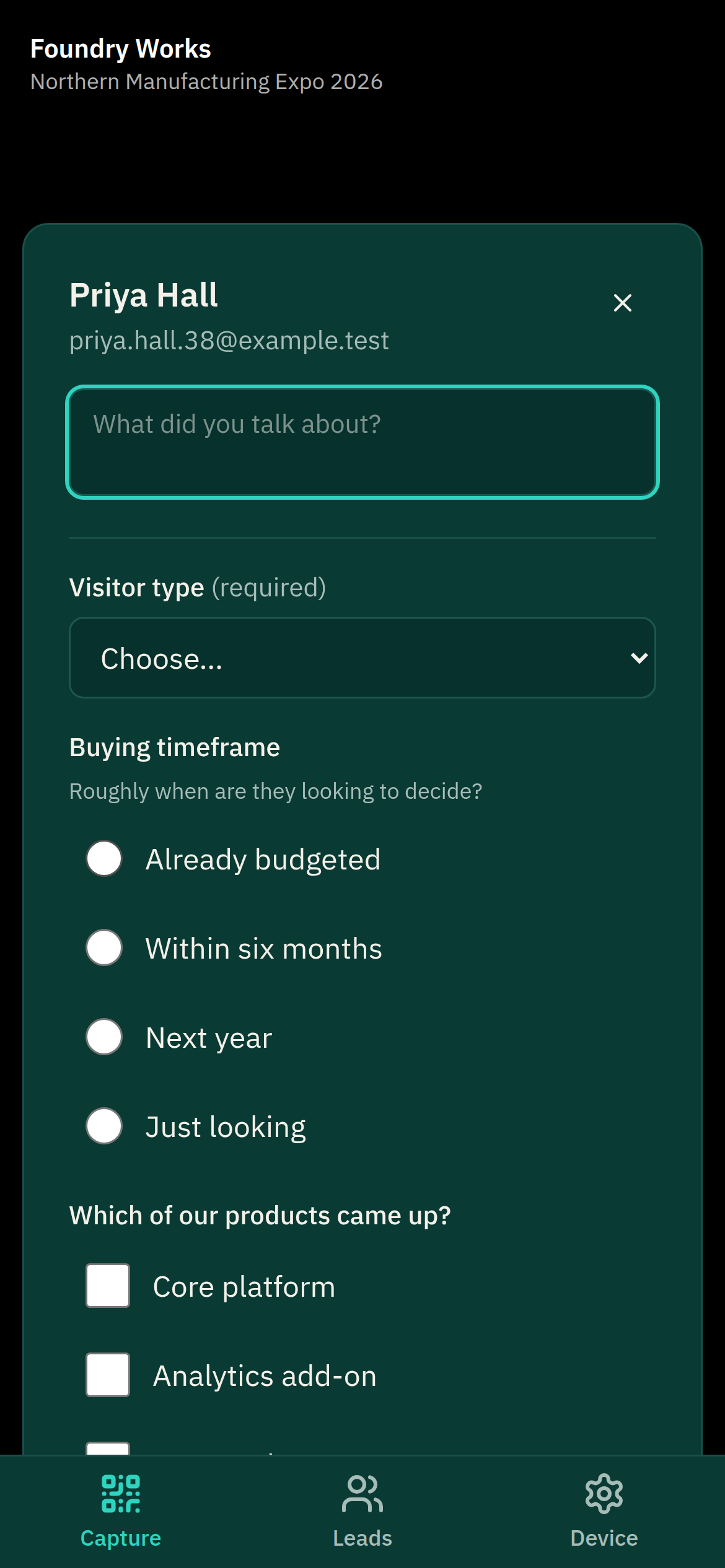
Where to find it: open your event, then On-site → Leads in the sidebar.
What lead capture is
Someone on a stand points a phone at a visitor’s badge. They get that visitor’s name and email address, type a line about the conversation, and move on. At the end of the show they download the lot as a spreadsheet.
- It runs in a browser at leads.frequentix.com — no app store, nothing to install. It can be added to a phone’s home screen if they prefer it that way.
- There are no logins. A licence is activated by scanning a QR you give them, the same idea as pairing a Scanner device.
- It works without signal. Exhibition halls are notorious for it — a paired device reads badges on its own and uploads what it captured when the connection comes back, keeping the time each conversation actually happened. A lead that arrived late from that queue is marked captured offline; one uploaded on the spot is not.
Selling licences
A lead-capture licence is an add-on on your event, so you set the price and — if you want one — a limit on how many exist. Create it from the event’s Ticket types & add-ons screen and choose Sells lead-capture licences as its kind.
Two things are decided for you, because the alternative would break:
- It is never shown on your public event page. A licence belongs to an exhibiting company rather than to a person, so a member of the public buying one would leave it belonging to nobody.
- It mints no QR or wallet pass. A licence is paired to a device rather than handed over at a door.
Exhibitors buy it from the manage link for that event — the same link they already use to issue their team’s tickets — or from inside the Leads app itself. Either way they go through the ordinary checkout: card payment, your tax treatment, a VAT invoice. The licences appear the moment the payment clears, and checkout hands them straight back to their stand’s page to find them. They can buy more at any point, including mid-show, which is usually when they realise they need them.
Handing licences to a stand team
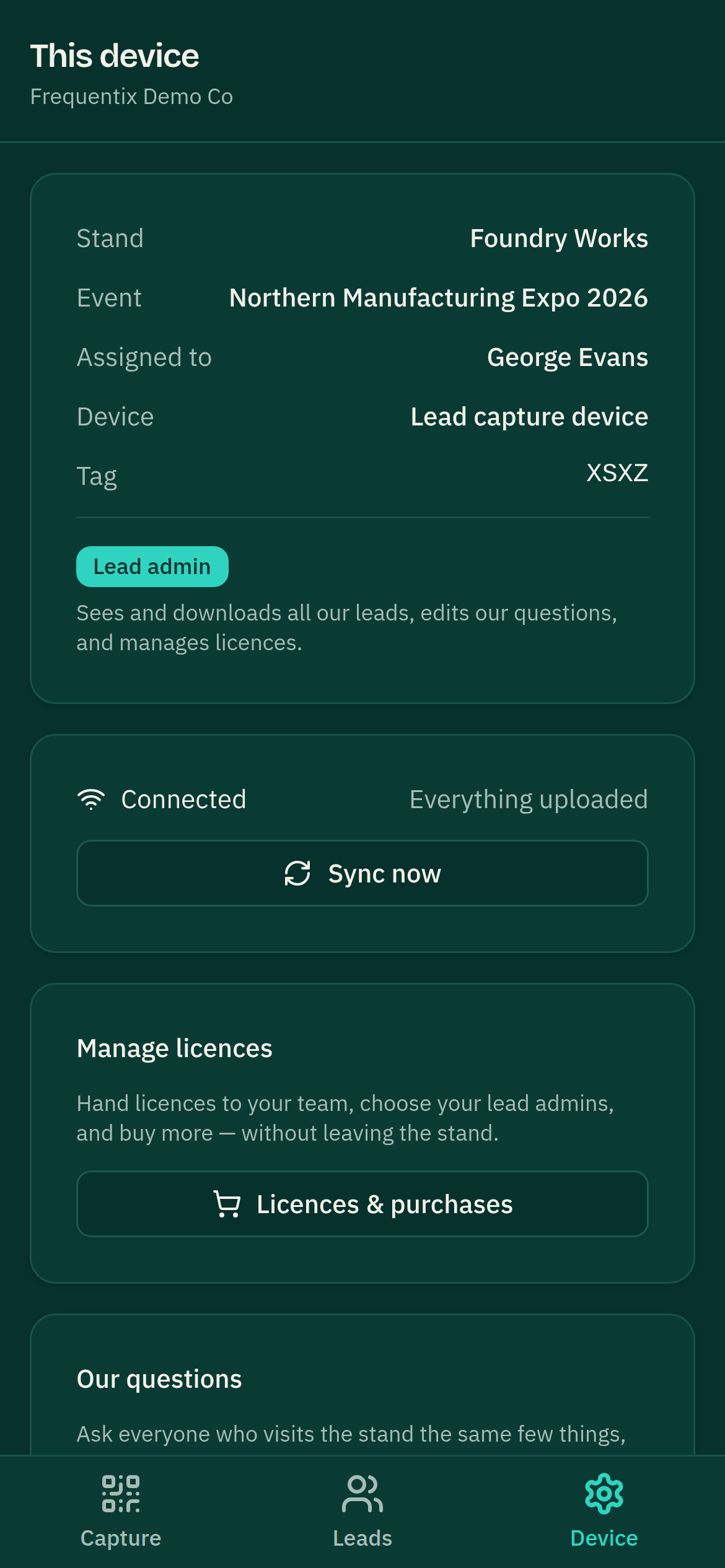
Whoever holds an event’s manage link is the stand’s administrator for that show. They see every licence the company owns there and assign each one to a colleague — chosen from the people the company has already issued team tickets to — or to a plain label like “Stand B12” if it lives on a shared handset.
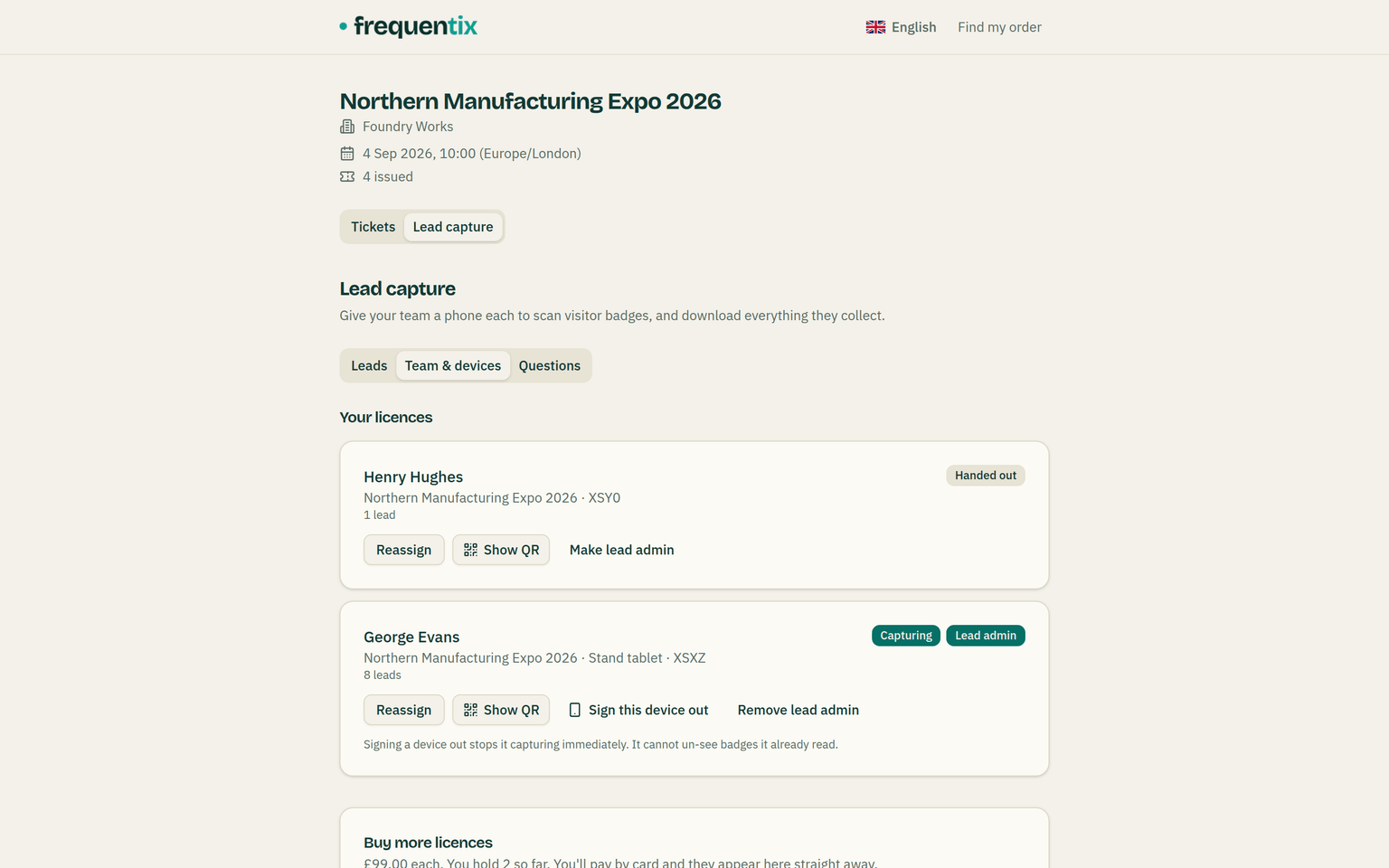
Assigning a licence produces a QR and a 6-digit code. The code lasts 15 minutes; the QR does not expire, so it can be messaged to a colleague the night before and used the next morning. One licence pairs one device.
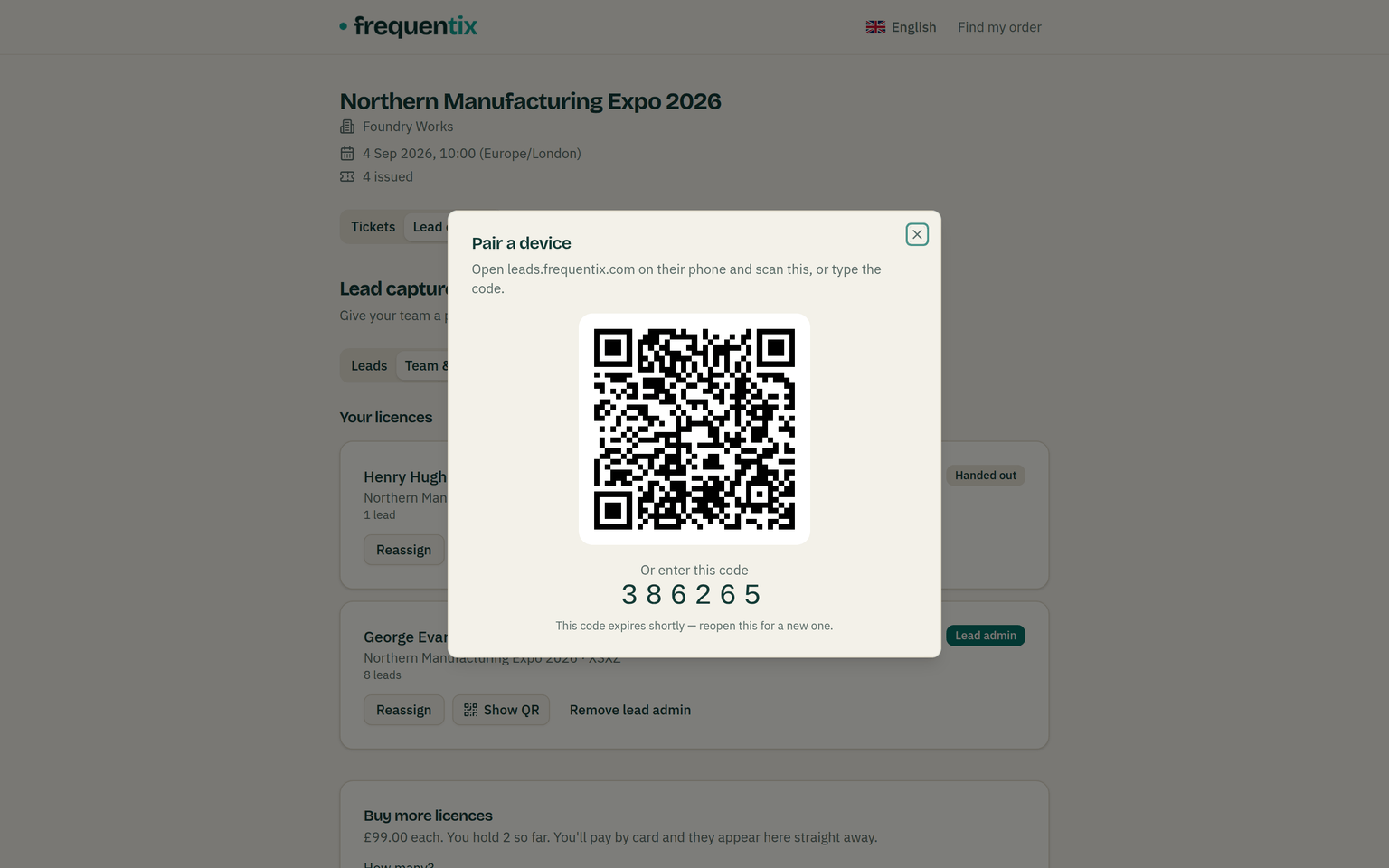
If the code has lapsed by the time somebody comes to use it, the QR is still there and Get a new code mints fresh digits without invalidating the QR already sent. The dialog also says when the device has connected, and shows the tag it displays so the administrator can check the right handset paired before walking away.
Reassigning a licence that has a device on it signs that device out. The app says so and asks for confirmation first, naming the device, so nobody takes a colleague’s phone off the floor by accident. There is also a plain “sign this device out” action for a handset that has been lost — it shows the fresh pairing QR immediately, so the licence can go straight to the next person.
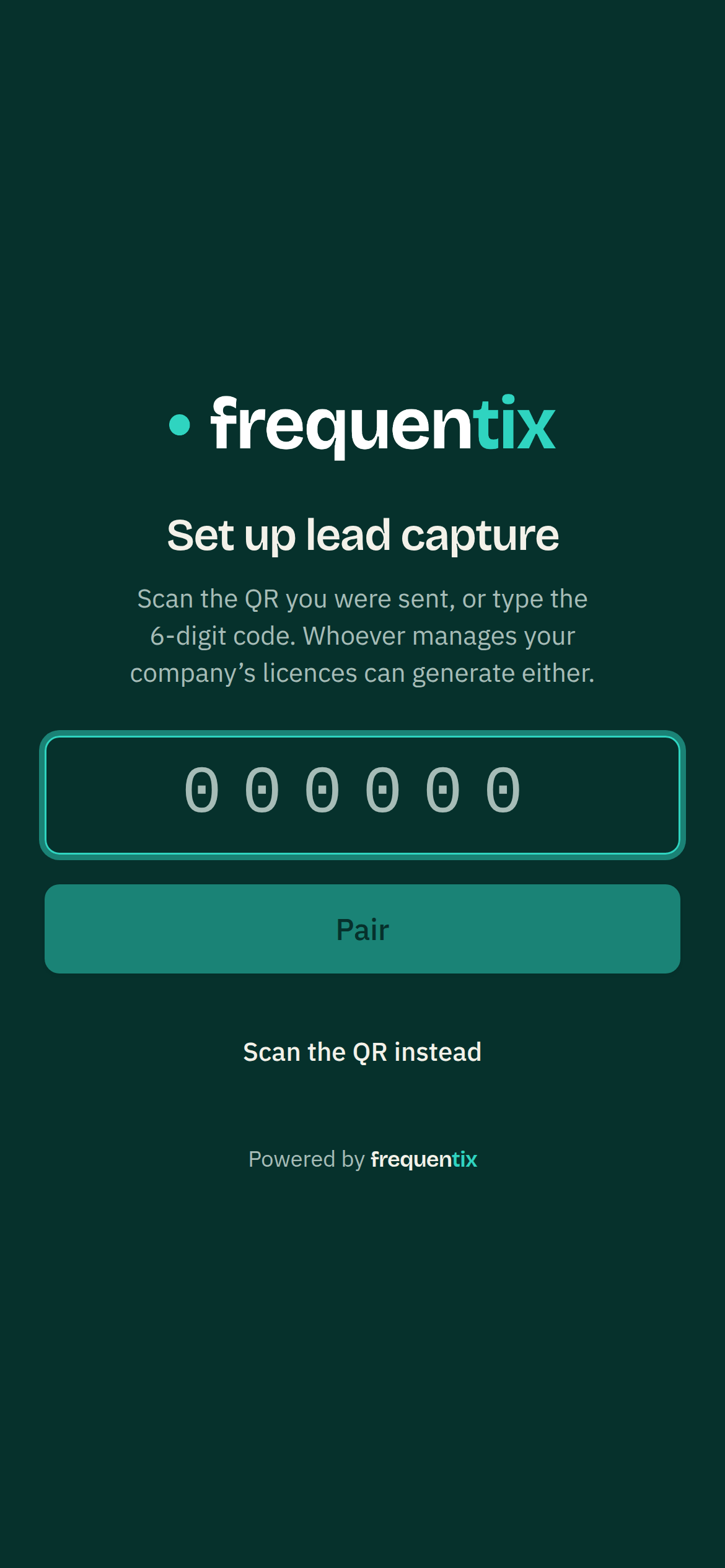
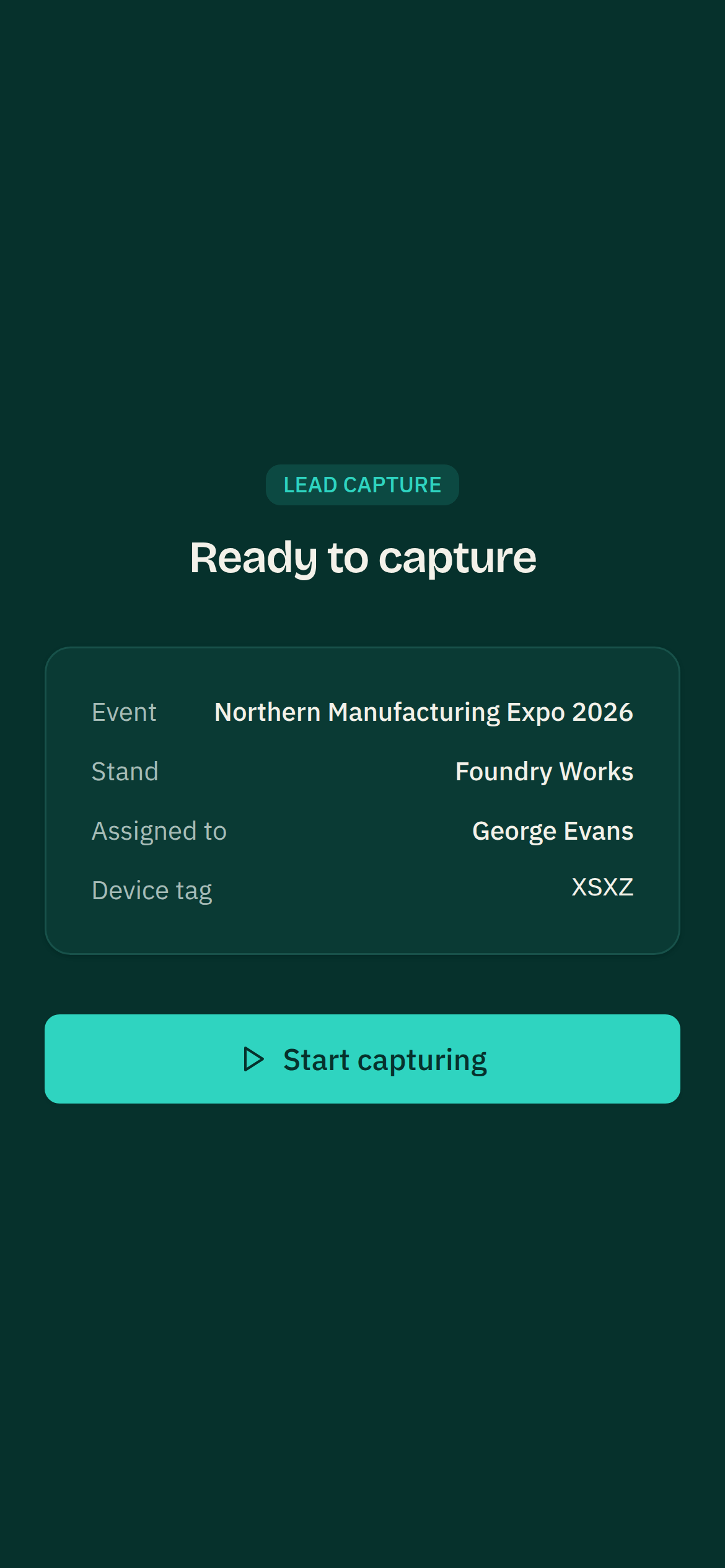
What capturing looks like
- Point the camera at a badge. The visitor’s name and email appear straight away.
- Type a note while it is fresh — the follow-up, the objection, the budget.
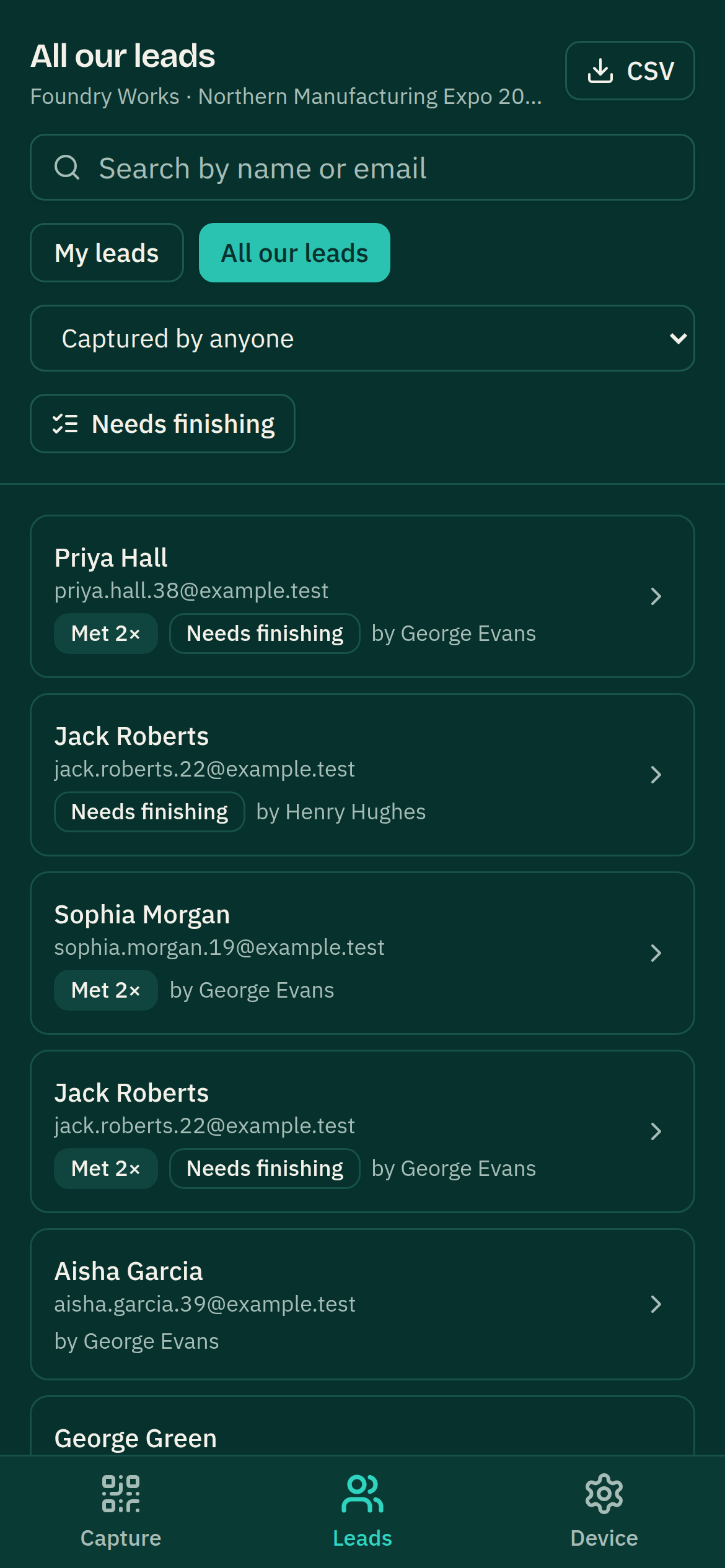
- Each team member keeps their own record of the people they met — their own notes, their own answers, their own “met ×2” when the same visitor comes back to them. Two colleagues meeting the same visitor never overwrite each other; a lead admin sees both records, each marked with who met them.
- Notes can be added afterwards too, from the leads list, when the queue at the stand has cleared.
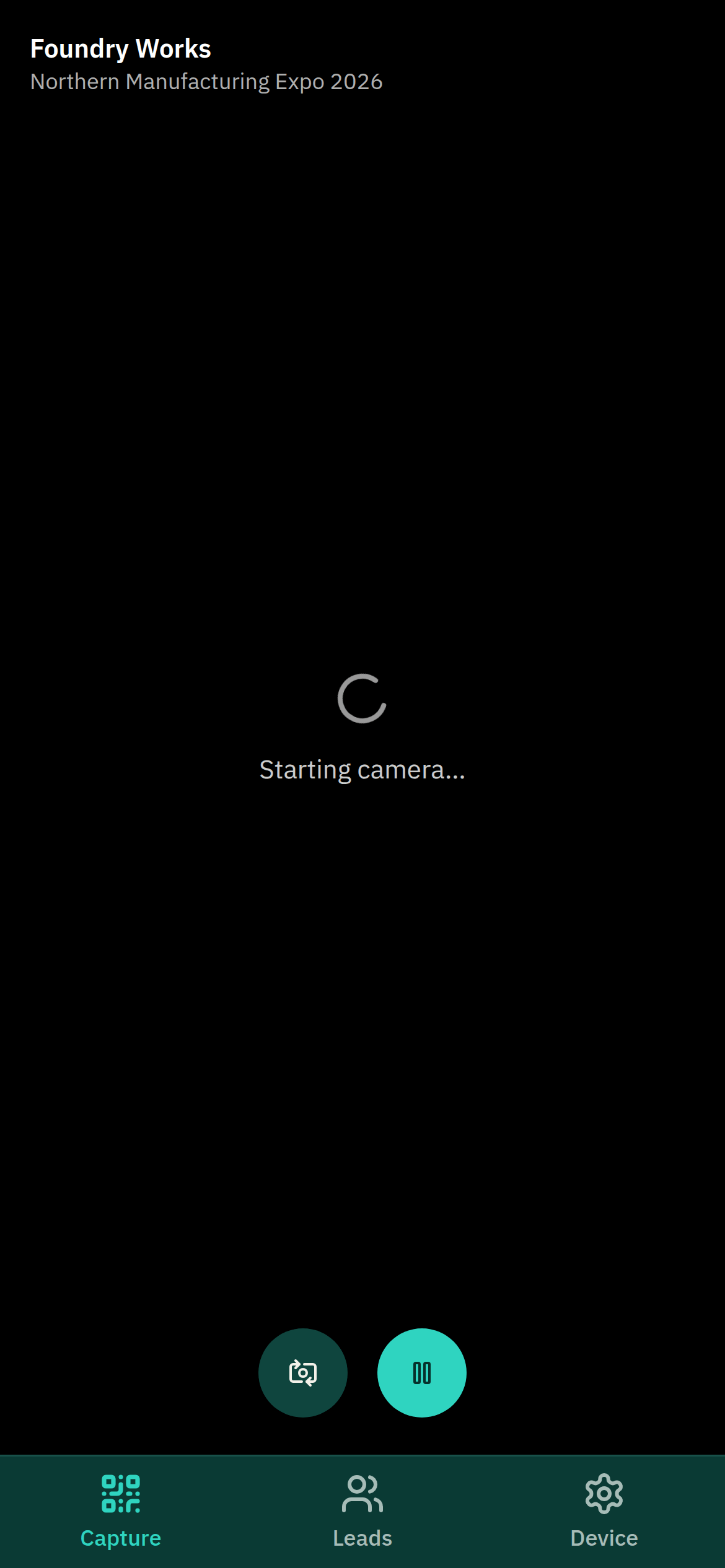
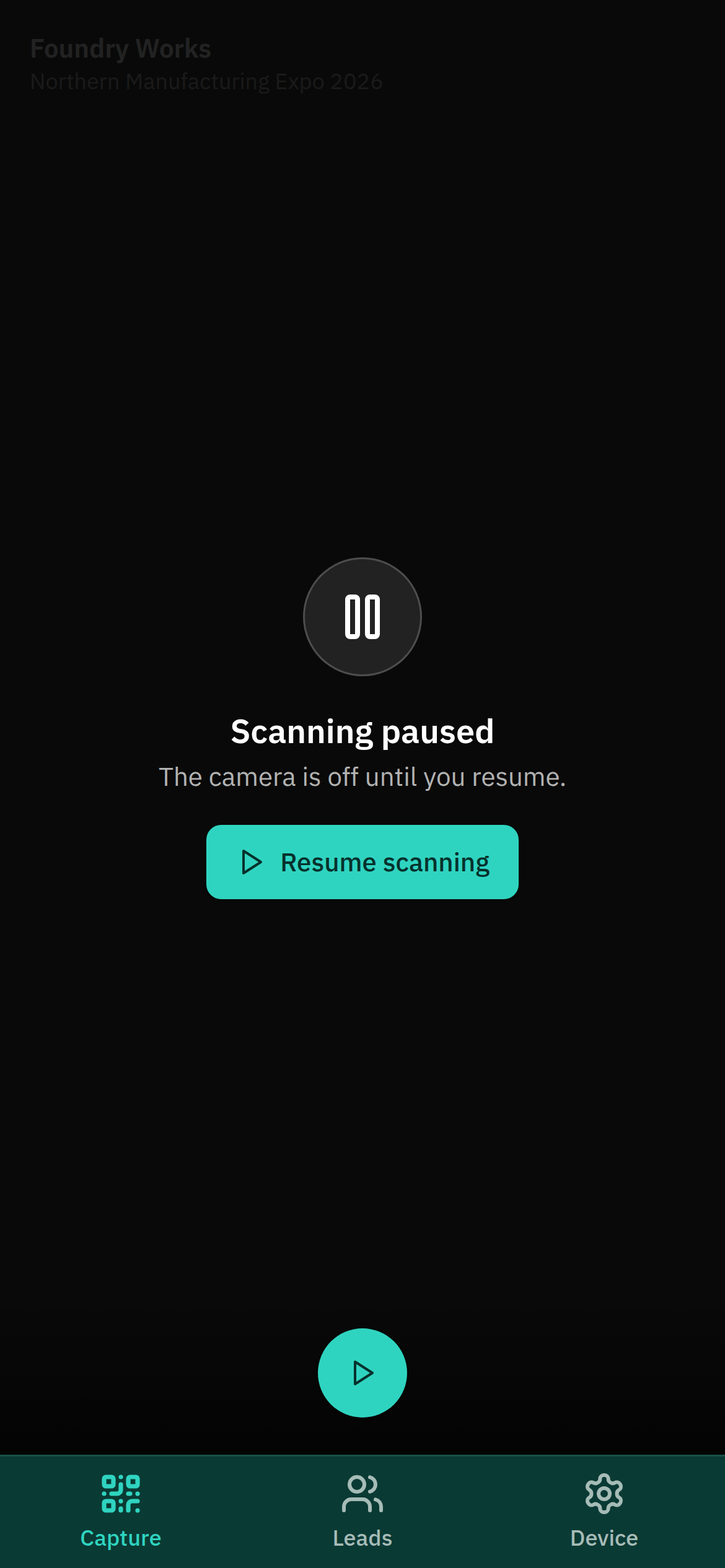
- The camera can be paused between rushes — the sensor goes fully off, saving the battery for the afternoon — and resumed with one tap.
A badge that cannot be verified is refused rather than recorded, and the app says how many of an upload were rejected — so a device showing “3 of 5 uploaded” tells its operator something is wrong. A genuine badge whose ticket has since been cancelled is kept and flagged for you instead: the conversation still happened.
Custom questions
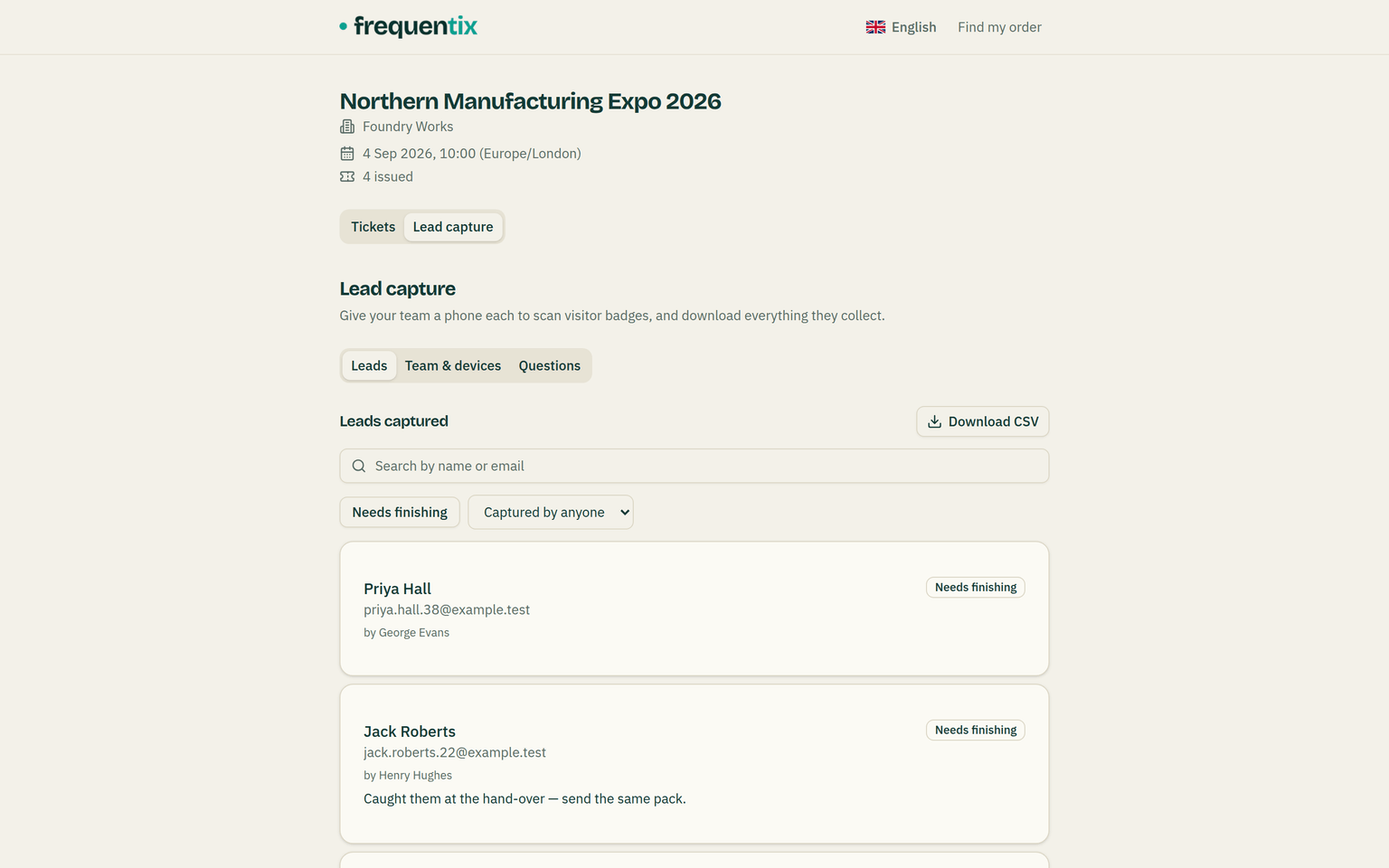
A note is what somebody wrote; a question is what every stand asks. On the Questions tab of your event’s Leads page you set the ones you want asked show-wide — visitor type, buying timeframe, whatever makes your data comparable across exhibitors. Each stand can add up to fifteen of its own on top — its lead admins from the Leads app, or anyone holding the manage link from their stand page’s Questions view.
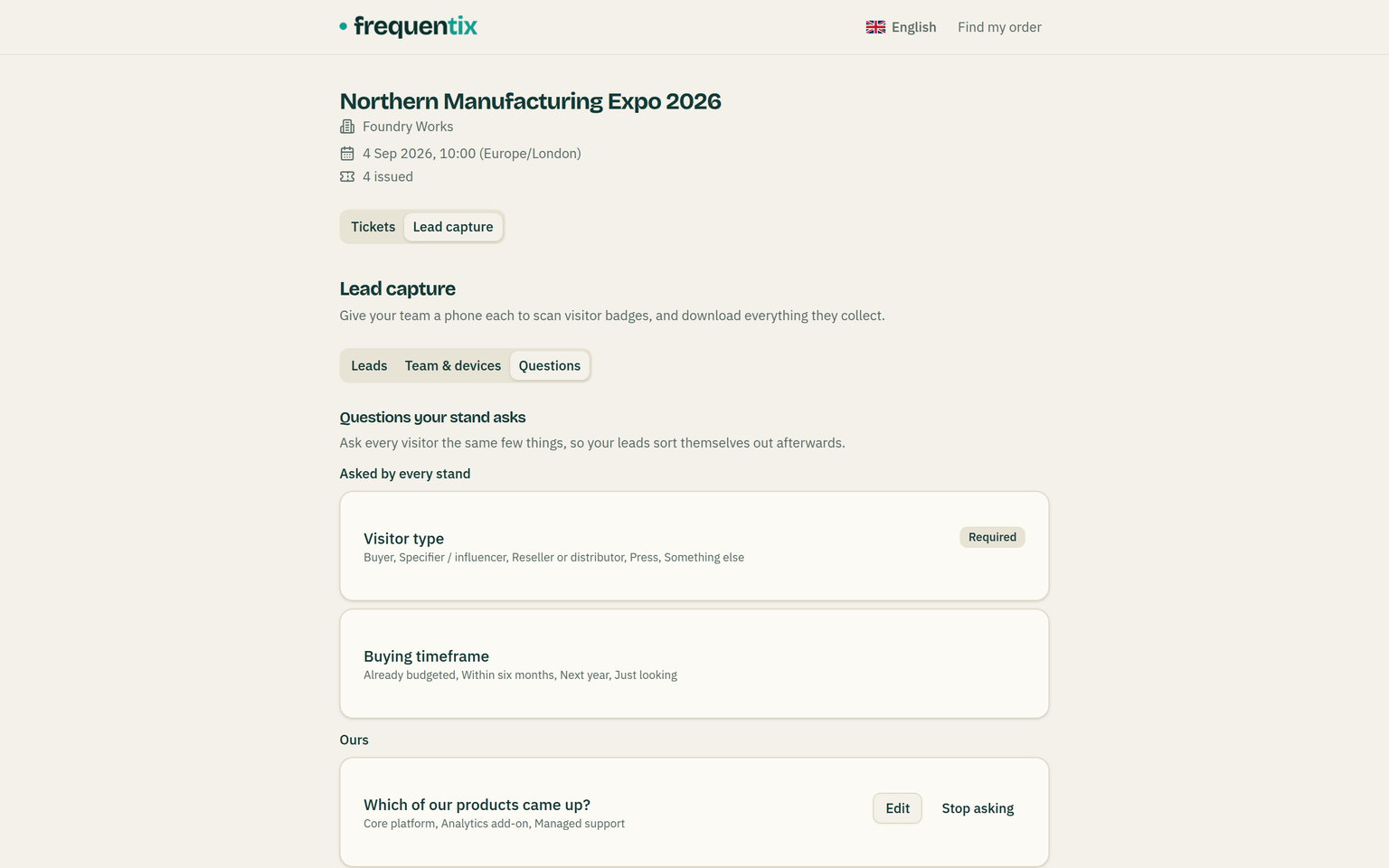
You can mark a question as always asked. That prompts the exhibitor and flags the lead if they skip it — it does not stop the scan. Somebody is standing in front of them mid-conversation, and losing the lead to a missed dropdown would be a worse outcome than an incomplete one. Anything outstanding shows up under “Needs finishing” in the app, so the stand can work through it at the end of the day.
Removing a question stops it being asked from that moment on. Answers already collected are kept — in your table, your export and the exhibitor’s — because deleting them would take away data people gathered in good faith. Retired questions are listed separately so you can still see what they were.
Duplicating an event brings your questions with it, retired ones included. Exhibitors’ own questions do not travel: next year’s stand in that space may be a different company altogether.
Lead admins: who sees what
Everyone sees the leads they captured themselves — the app opens on My leads. The company administrator sees everything the company has captured, across every one of your events, and downloads it as a CSV.
Individual colleagues — a sales manager, say — can be made a lead admin: one named role that sees and downloads the whole stand’s book (each lead attributed to whoever met them, and filterable by colleague), and edits the questions the stand asks. The grant spells all of that out before it happens, it is a switch on the licence, and it does not disturb the device using it.
Consent and data protection
Lead capture shares an attendee’s name and email with a third party, so it is worth being deliberate. You choose per event:
- Consent by conduct (the default) — presenting a badge to be scanned is what counts as agreeing. This is the trade-show norm, and it is disclosed to attendees on your storefront and in our terms.
- Explicit consent — a registration question decides. A badge without a yes yields no contact details at all; the exhibitor learns that someone did not agree to share, not who they were.
Two more things worth knowing. Exhibitors become independent controllers of the leads they capture — they decide what to do with them, so your exhibitor agreement should cover it. And erasure reaches leads: erasing a contact removes their name, email and any notes an exhibitor wrote about them from every exhibitor’s records.
A Leads device can read the badge held in front of it and nothing else. It cannot search your attendees, list them, download them, or check anybody in.
Your Leads dashboard
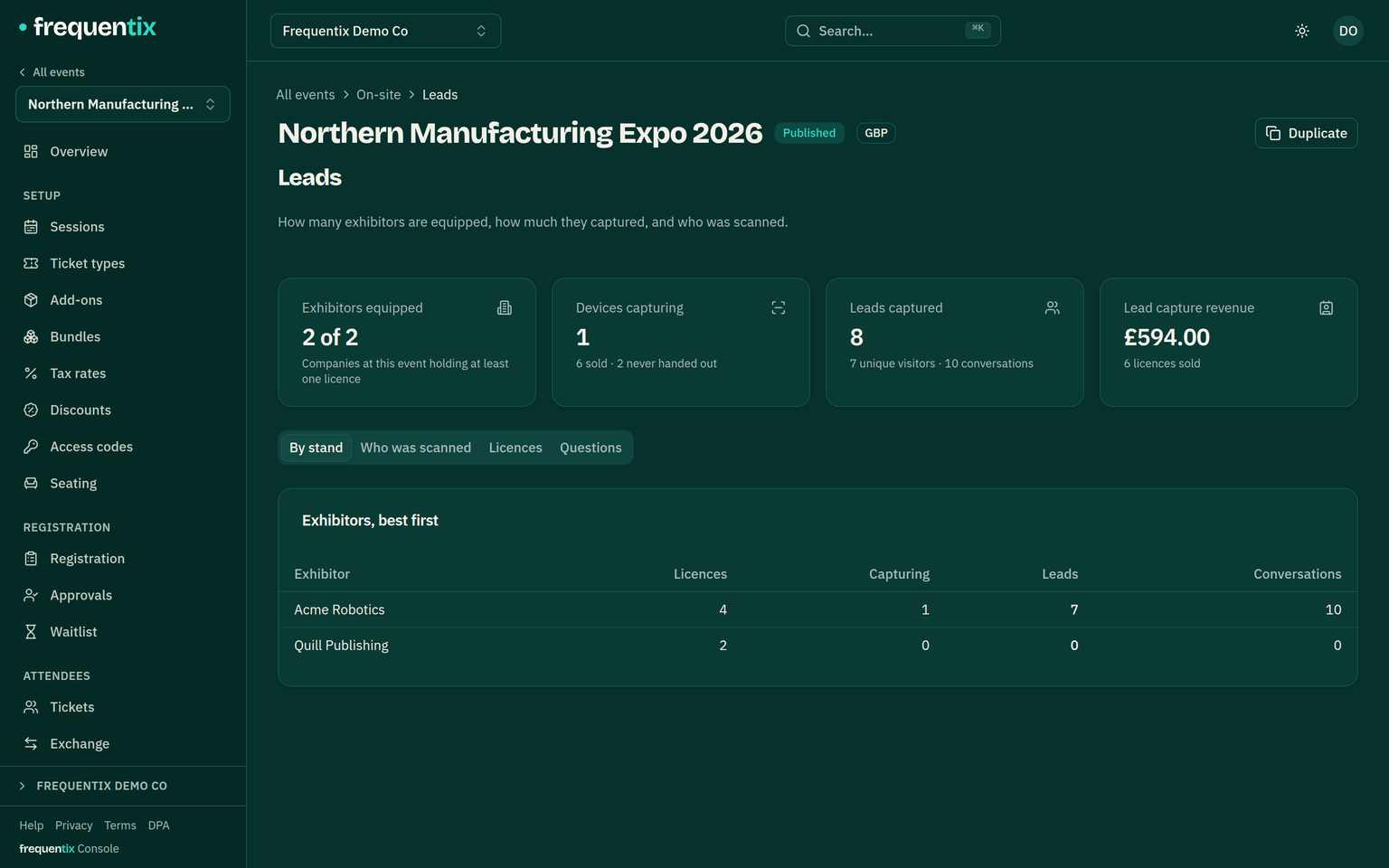
The event’s Leads tab in the console shows:
- how many exhibitors bought licences, out of how many are at the show — and how many of those licences are actually in use;
- total leads and unique visitors captured, plus a per-day shape of the floor;
- a league table by stand;
- who was scanned by whom, exportable as CSV — the answer when an exhibitor asks whether the show worked.
Reading all of that needs the leads.view permission. Granting an exhibitor a free licence, or withdrawing one, needs leads.manage — deliberately separate, because show staff often want the numbers without the ability to take a device off the floor mid-show. See Team & roles.
When an exhibitor needs help
The Leads app's Device screen has Get help. The request goes to you, the organiser, not to frequentix: it arrives under Help → Support tickets linked to the exhibitor's company and the event, and the handset checks for your reply while the case is open. Exhibitors see only their own requests, on their own device, and can attach a screenshot. Hand one to us from the console if it needs frequentix.