
Help centre
frequentix has four surfaces, and these guides cover all of them: the organiser console where you build and run events, the public storefront where your buyers purchase, Scanner — the check-in app that runs on any phone — and Box Office, the sell-and-scan app for the door. Box Office is on the App Store and Google Play, for iPhone, iPad and Android.
Each article explains what to expect from its area rather than every click along the way — the console guides each step as you take it. Where a feature belongs to a paid plan, the article says so up front.
Getting started
Account & security
Signing in, verifying your email, setting up two-step verification, and which areas of the console ask for a freshly verified session.
Install the console
Add the console to your phone, tablet or desktop so it opens like an app — and how it keeps itself up to date once you have.
Team & permissions
Invite teammates, control what each role can see and do, follow the activity log — and why door staff never need accounts at all.
Getting paid
Connect Stripe to take payments, where the money settles, and the platform fee on each plan.
Plans & billing
What Free, Starter, Pro and Enterprise each unlock, what's always included, and where your subscription and its invoices live.
Offer codes
What the signup offer waives and for how long, how a code is applied at signup or added afterwards, and what the billing page shows while it runs.
Support tickets
Open a ticket with frequentix from the console, follow the reply as a team, and answer the requests your door devices, exhibitors and ticket holders raise with you — all in one place.
Charity programme
How a registered charity gets a 2% fee capped at £4.00 on any plan, keeps 100% of donations, and collects UK Gift Aid at checkout.
Events & tickets
Create an event
From the New event dialog to a published event page: the event workspace, its six areas, and the lifecycle from draft to on-sale.
Ticket types & pricing
Paid and free types, capacity, per-order limits, hidden tickets, timed price tiers and per-buyer purchase limits.
Add-ons
Sell parking, merchandise and workshops alongside tickets, and redeem them at the event with their own QR codes.
Bundles
Sell a set of tickets and extras at one price — a table of eight, a ticket-and-shirt deal — with the saving shown on your event page.
Sessions & runs
One event, many dates: theatre runs, weekly classes and timed-entry slots, with per-date stock, waitlists and cancellations.
Reserved seating
Design a venue once, attach it to any event: seat categories, derived capacity, the live seat chart, reseating and accessible seats.
Discounts & codes
Discount codes at checkout, access codes that reveal hidden tickets, and the VAT rates your prices are charged at.
Registration & attendees
Registration questions
Build the questions buyers answer before payment: per-ticket or per-order, with conditional follow-ups, from a shared library.
Badges
Design attendee badges in a drag-and-drop editor — names, companies, QR codes — and print them from the console as PDF or PNG.
Approvals & waitlists
Vet who can buy with approval-gated tickets, and let sold-out demand queue with per-date waitlists and timed offers.
Orders & refunds
The order record, resending and reassigning tickets, Exchange transfers, date swaps and face-value resale, refunds and cancellations — yours and your buyers' — and how held stock releases itself.
Invoices & receipts
Receipts, VAT invoices and credit notes: who gets which, gapless numbering, corrections, and what buyers can always read.
Contacts & companies
Your audience across every event, companies for B2B events, CSV imports, and one-action GDPR erasure.
Selling & marketing
The storefront
The buyer journey end to end: the event page, baskets and holds, seat picking, payment, tickets, wallet passes and order management.
Embedded checkout
Sell from your own website: allow your domains, drop in the snippet, and buyers complete checkout without leaving your site.
Branding & white-label
Your logo and colours on the storefront and emails, your own words in the fixed text slots, and full white-label.
Languages
The storefront speaks English, French, German, Spanish and Dutch — buyers switch in the header, and your own content can be written per language.
Emails & campaigns
The two kinds of email frequentix sends, composing and scheduling campaigns, automated reminders and basket recovery, and how the monthly allowance is counted.
Season passes
Sell one pass covering a whole season of separate events — buyers pay once and receive real tickets for every covered event immediately.
Memberships
Sell fixed-term memberships whose members get a discount, member-only tickets, early access and included ticket credits across your events — no buyer accounts needed.
Gift cards
Sell your own gift cards at checkout, deliver them to a recipient on a chosen day with a designed card, and take them as payment on any of your events.
Reports & attribution
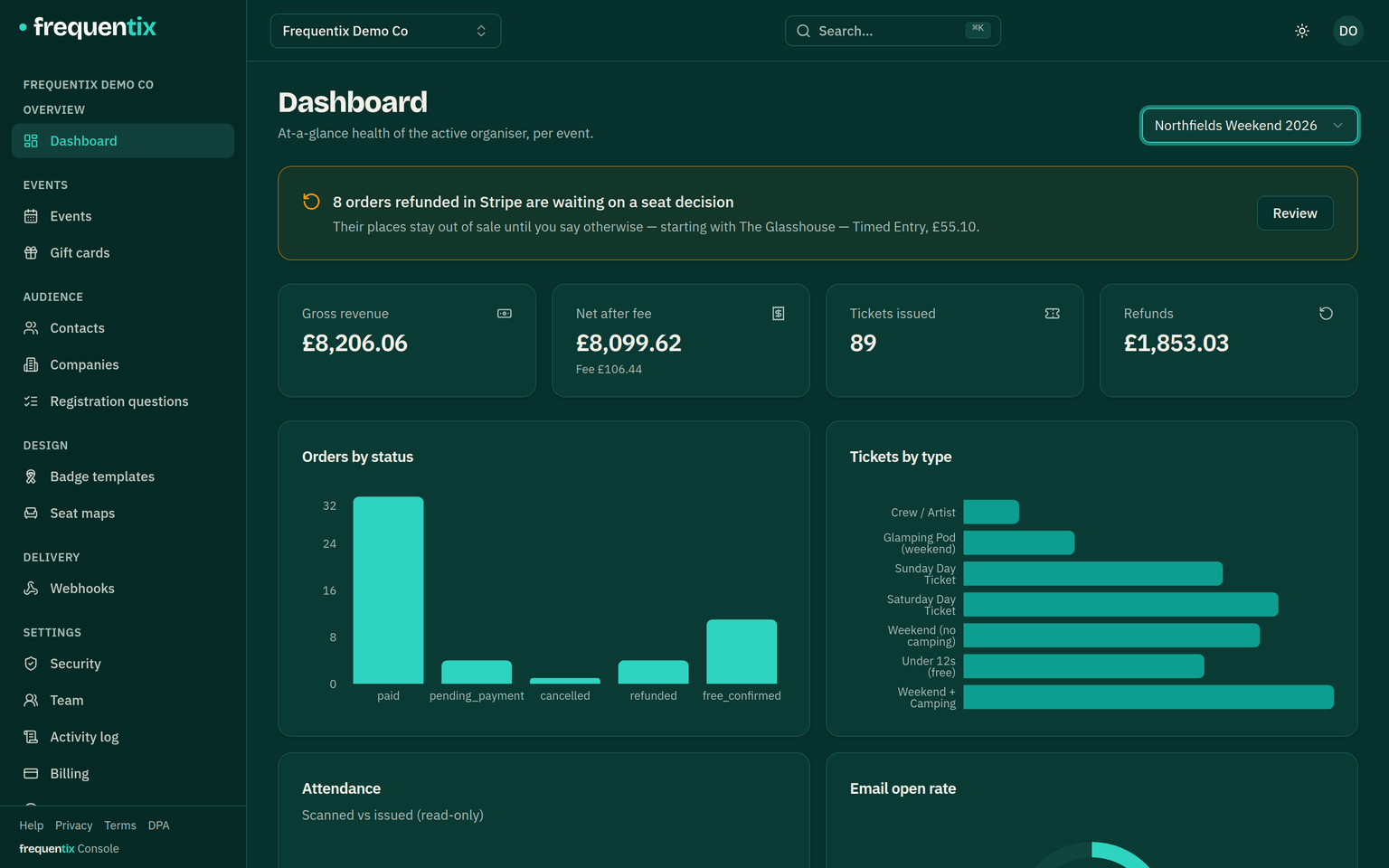
Revenue, refunds and attendance per event, CSV exports, and attribution links that tie sales back to channels.
Webhooks & API
Push order, scan and waitlist events to your own systems, and read and write your data over the API — with the technical contracts in the developer docs.
On the door
Entry points & lanes
Gates and lanes per event, per-lane ticket allowlists, and how a lane pins each scanning device to one event.
Scanner
Pair any phone with a short code — no logins — and scan continuously with full-screen verdicts, search and instant revocation.
Offline scanning
When venue signal dies, Scanner keeps deciding locally — with no attendee data on the device — and syncs up when it returns.
Box Office
Sell on the door with Tap to Pay, cash or free tickets — a separately curated catalogue, walk-up-friendly checkout and instant check-in. On the App Store for iPhone and iPad, and on Google Play for Android.
Lead capture
Sell your exhibitors lead-capture licences at your own price. They pair a phone by QR, scan visitor badges for names and emails, add notes and export — and you get a dashboard of who captured what.
Off-platform scanning
Want to run your own scanning or lead capture? Your event's badge-decryption key can be licensed: request it from the console, agree the fee, sign the agreement online, and the key unlocks with a guide to reading badges.
Need a human? The support page has phone and email contact details, staffed Monday to Friday.