
Contacts, companies & imports
Your audience, across every event: one record per person, companies for the B2B side, imports for the lists you already have — and a clean way out when someone asks to be forgotten.
Where to find it: Audience → Contacts and Audience → Companies span every event. An event’s own assigned companies and imports are under Attendees once you open it.
Contacts
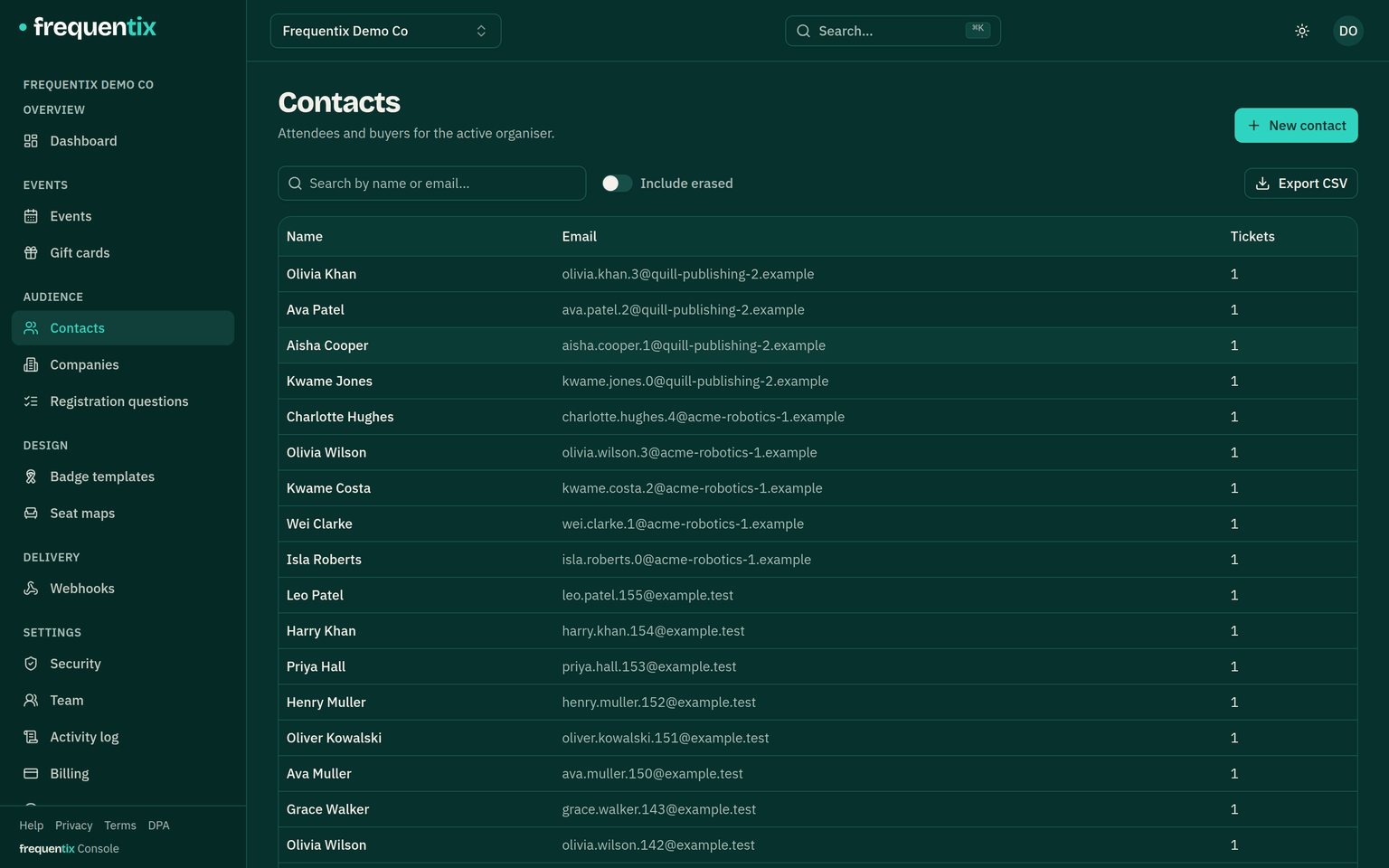
A contact is a person across your whole organisation, not one event’s attendee list: their orders, tickets, registration answers and email history in one place. Buying twice doesn’t create two people. Contacts are a two-step-verified area — attendee personal data sits behind the extra check. The list exports to CSV (organiser-wide, erased contacts always excluded), so data flows out as well as in.
Companies
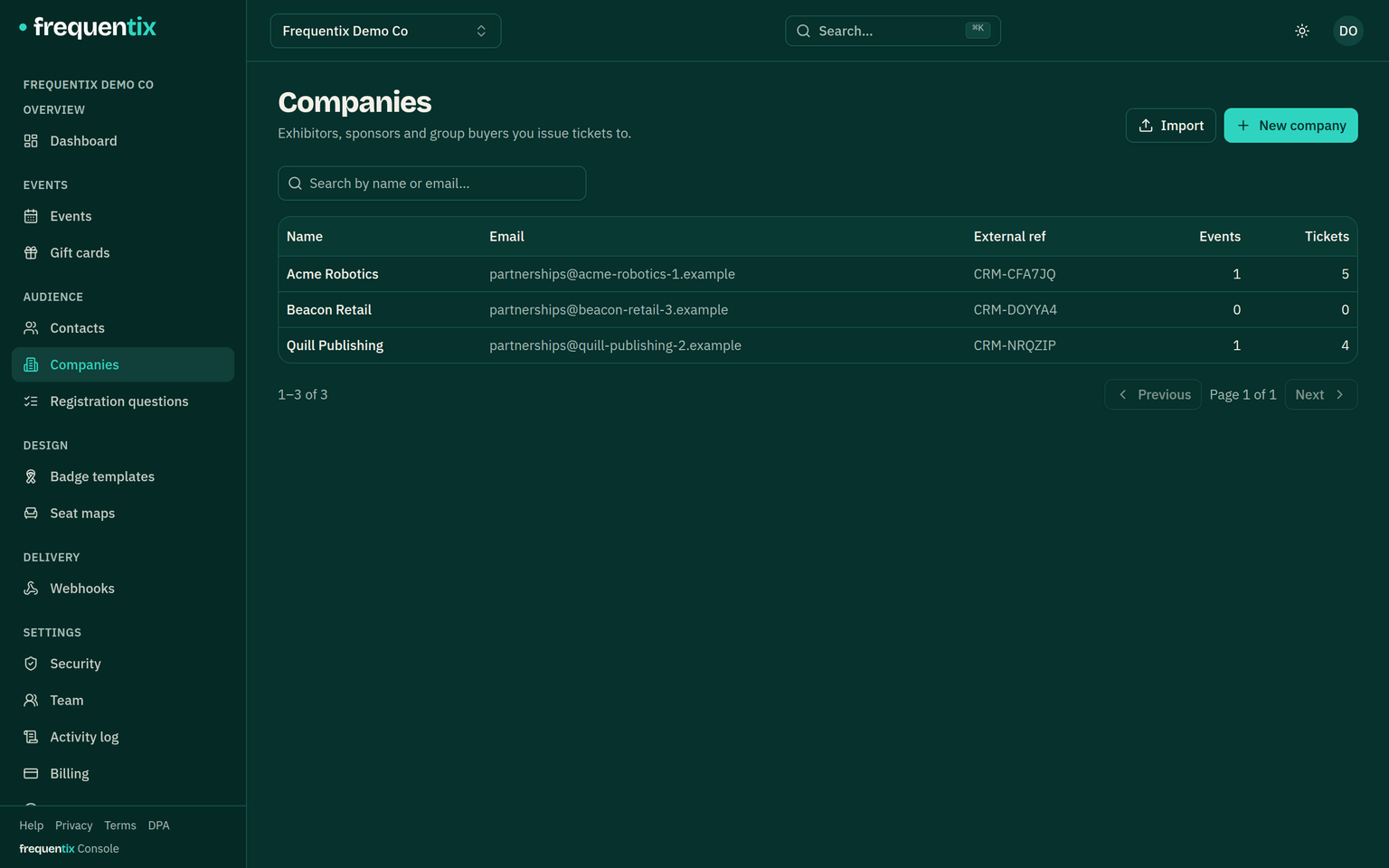
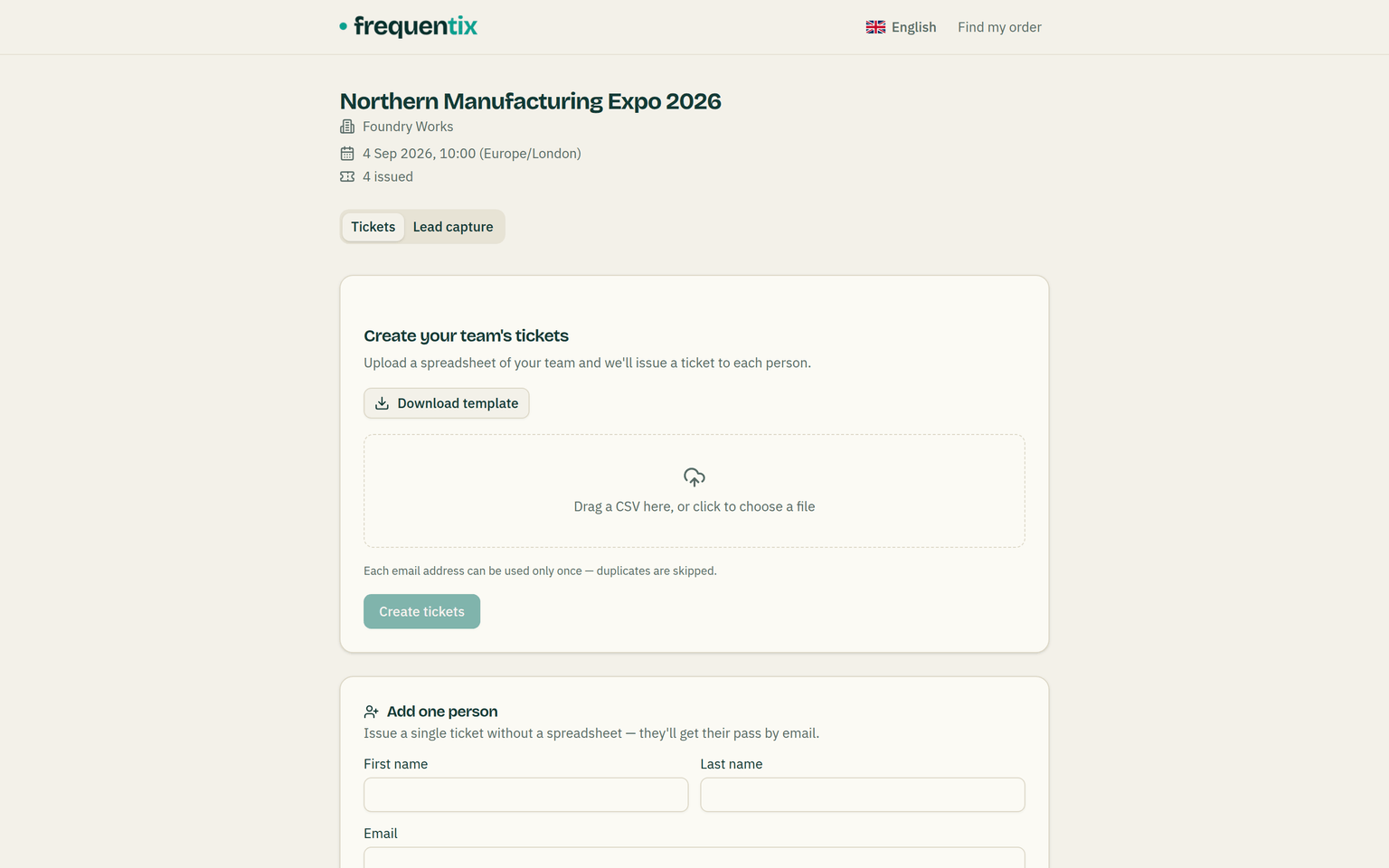
Companies group contacts for exhibitors, sponsors and corporate buyers. Issue an allocation of tickets to a company and send them a self-serve link — their coordinator uploads a simple name-and-email roster (a template is provided) or adds one person at a time, and watches the allocation fill instead of emailing you spreadsheets. Rows that can’t be issued are reported per row, and an allocation can insist on a unique email per ticket. The tickets already issued sit beside the form as a searchable roster: the coordinator can pull up any pass’s QR and reassign a ticket when someone can’t come — it is re-issued and re-emailed to the new name automatically. A second link gives the company a portfolio view of every ticket it holds across your events. The allocation can be scoped to specific ticket types.
The two are different jobs, and the company page in your console shows both. The manage link is per event — issuing that show’s tickets and, if you sell it, running that stand’s lead capture. The view link is one per company and read-only, spanning every event they have exhibited at.
Assigning is built for a whole show’s worth. The event’s Companies tab assigns many companies in one go — tick them off a searchable list, give each its stand or booth number as you go, and apply one ticket-type scope to the batch — with a CSV import beside it for the longest lists. A returning exhibitor can also be assigned straight from its own company page, so next year’s show starts from last year’s record. Each assignment then shows whether the company has been invited: send its links one company at a time, tick a box to email everyone in the batch as you assign them, or press Invite all to reach every company that hasn’t been invited yet — companies with no contact email are skipped and counted, never silently missed.
Two identifiers, two jobs, and both survive the export → edit → re-import round trip. A company’s External reference is your own CRM’s id for it — one per company, and imports match on it — while the per-event External UID is that show’s id, a stand or booth number, carried on that event’s exports and the API.
CSV imports
Bring an existing list in as a CSV — comp lists, a previous platform’s attendees, a partner’s allocation. The import maps your columns, validates rows before touching anything, and reports what it created — files up to 10 MB. Imports can create contacts or issue tickets directly; on a run, per-date ticket types can’t be imported (a CSV has no date column).
GDPR erasure
Erasing a contact is one action that cascades — their personal data is removed from tickets, orders and email history. What survives is what the law requires to survive: issued invoices and receipts, retained for the statutory six years. The erasure reaches the door too — the person’s tickets are voided so every paired scanner converges on them — and it is safe to run twice. Erased contacts are automatically excluded from every future campaign and every export.